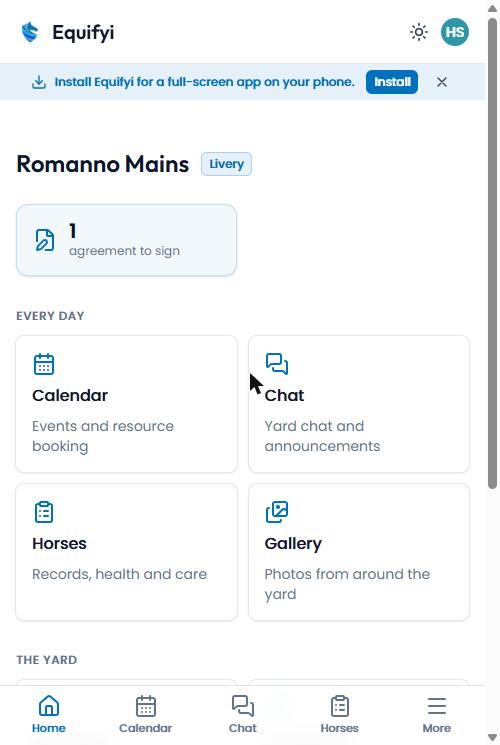
Add Equifyi to your home screen so it opens full-screen like a normal app — and can send you reminders.
1
Open equi.fyi in Chrome
Sign in as usual.
2
Tap “Install”
A blue “Install Equifyi” bar appears near the top — tap Install. (No bar? Tap the ⋮ menu → “Install app”.)
3
Done
The Equifyi icon appears on your home screen — open it like any app.
Look for the blue “Install Equifyi” bar at the top.
Still seeing the old icon?
If you installed Equifyi before the new horseshoe icon arrived, your home screen keeps the old one — phones only pick up a new icon at install. Remove the app from your home screen and add it again. (The “Refresh app” button in your profile updates the app itself, but not the icon.)